Three screens. One timer. Your gym.
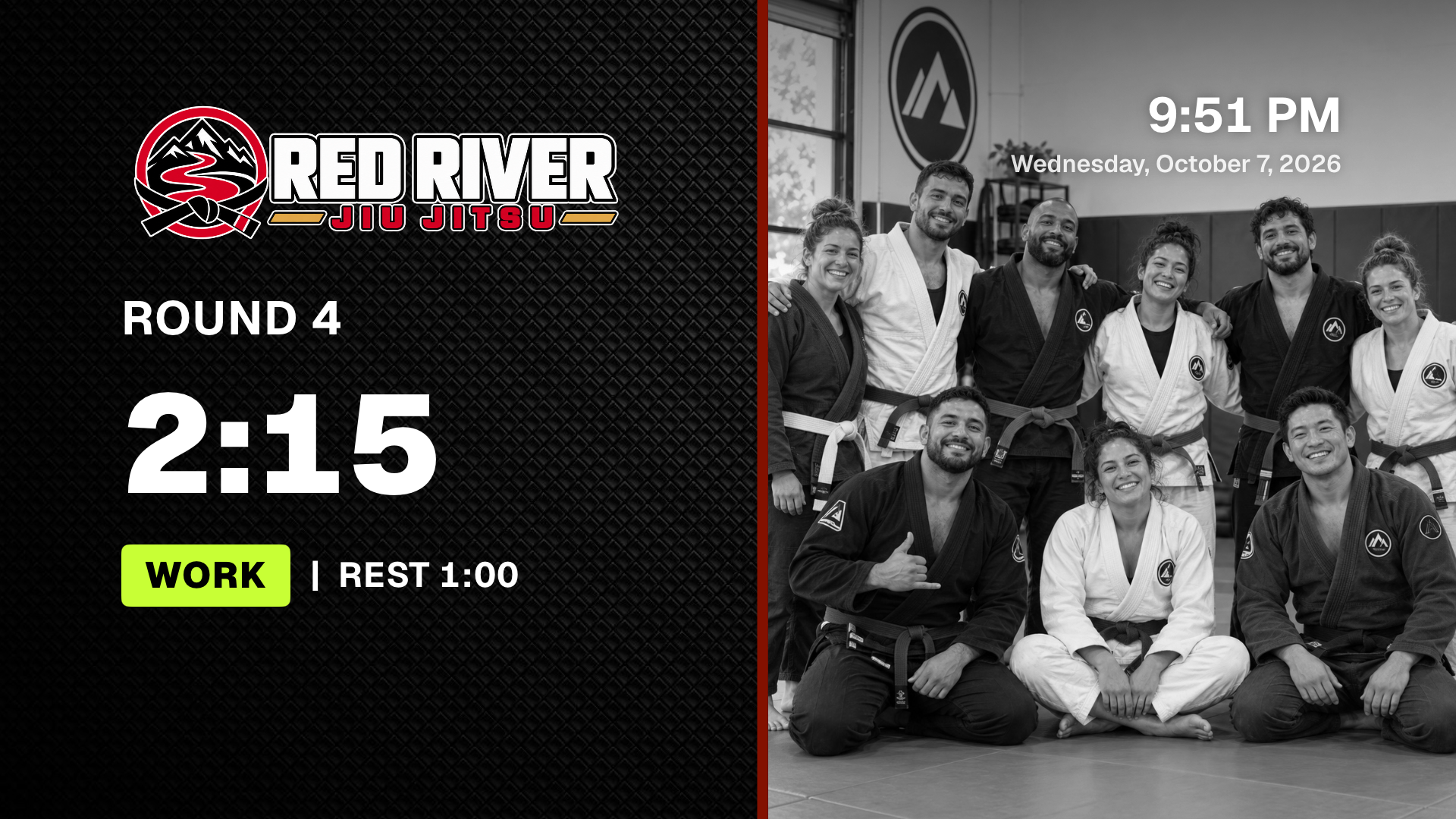
VORZA runs on your Apple TV, your iPhone or iPad, and any coach's phone, and they all work together.
Most gym tech means a new box, a new login and a setup day.
Then the person who set it up leaves, and nobody remembers how it works.
VORZA uses the Apple TV and phones you already own. Scan a code and you're in control. No accounts, no logins, no installer.
The three pieces
| Piece | What it does |
|---|---|
| Apple TV app | Runs the timer on the gym TV. Control it with the Siri Remote or a phone. |
| iPhone and iPad app | Builds classes, brands the screen, controls the Apple TV. It can also be the timer itself. |
| Phone remote | A web page any coach's phone opens by scanning the code on the TV. No app needed. |
Set up in five minutes
- Install VORZA on your Apple TV from the App Store.
- Open Settings on the TV (the gear) and choose Phone Remote. A code appears.
- Scan it with your iPhone. In the VORZA app, tap the TV button and point the camera at the code. Your phone now controls that TV.
- Make it yours. In Customize, add your logo, colors and photos. The TV changes as you tap.
- Load a class and press Play. Pick a starter program for your gym type or build your own.
Tip: Your phone and Apple TV need to be on the same Wi-Fi, not a guest network.
No Apple TV?
- AirPlay or HDMI: show the full gym timer on any TV while your phone stays the remote.
- On its own: run VORZA full screen on an iPad or iPhone on the mat.
Your coaches
Any coach scans the code on the TV with their phone's camera and gets the remote in their browser: start, pause, change times, load classes, run the scoreboard. In Two timers mode, each coach picks their side.
Everything stays in sync
Your programs, brand and photos sync through iCloud to every Apple TV, iPhone and iPad on your Apple ID, and come back automatically on a new device.